Teams
Group the people who work on a folder or project into teams, and put teams inside other teams. Each team adds up the work of everyone in it.
Build your teams
- Select several people who aren't in a team yet and choose New team. Once you have teams, create more, or a team inside another, from a team's menu.
- Add people from a team's menu, drag them from one team to another, or use Assign to… on a person.
- Drag a team onto another team to put it inside, and rename or delete teams from their menu.
Each person belongs to at most one team in a folder or project. A folder and each project in it keep their own teams, so the same people can be grouped differently in each.
Read a team's work
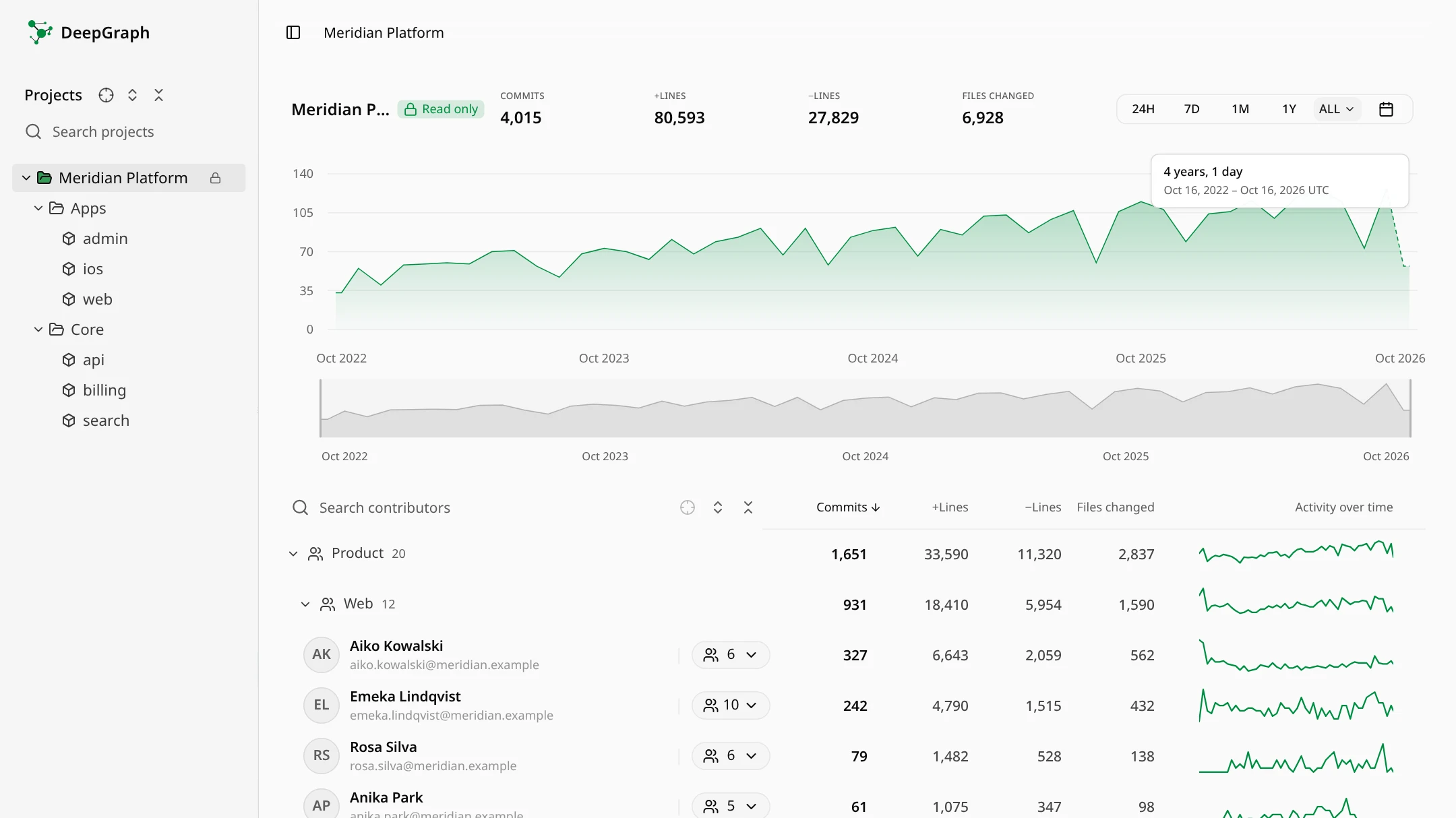
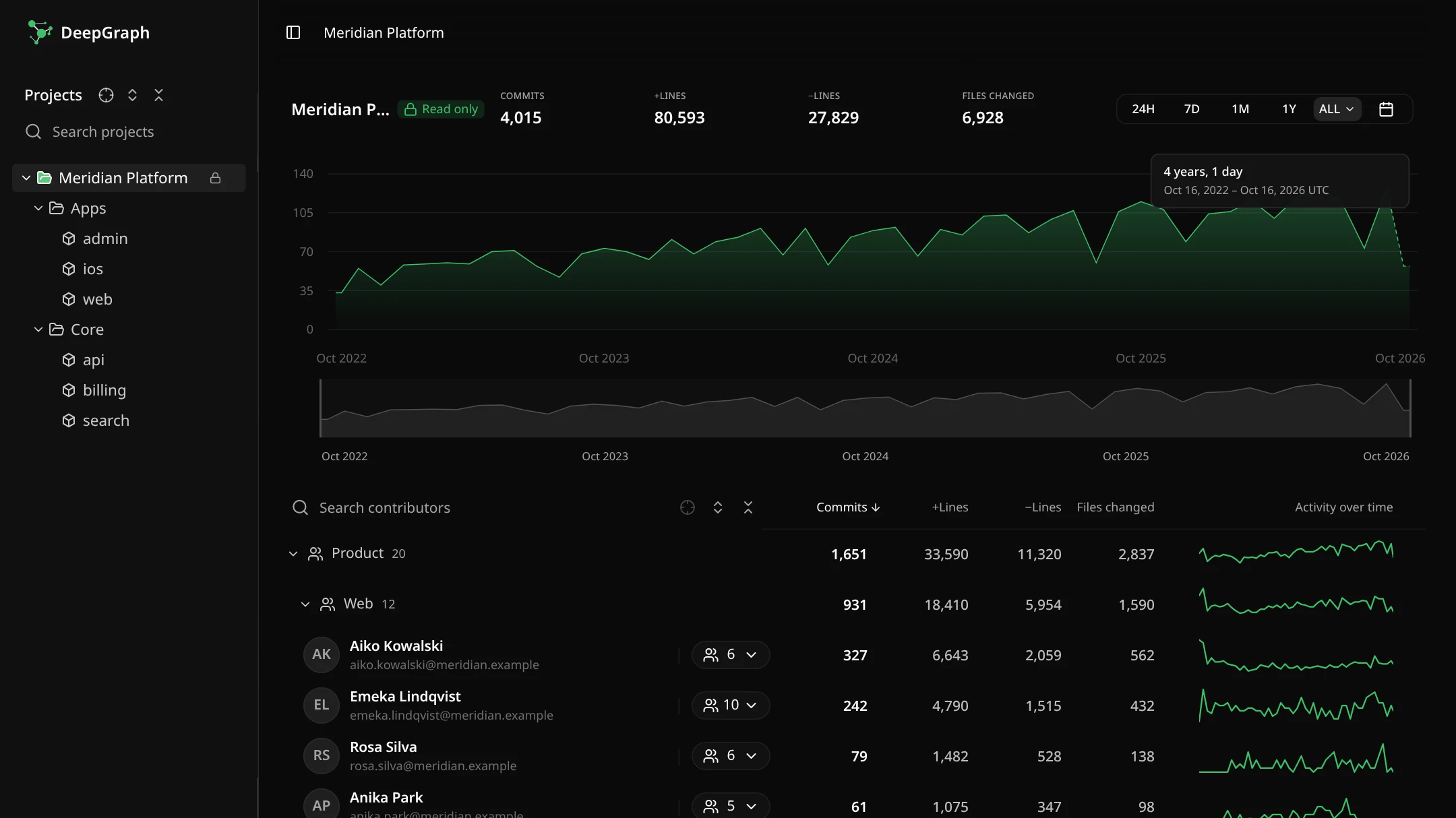
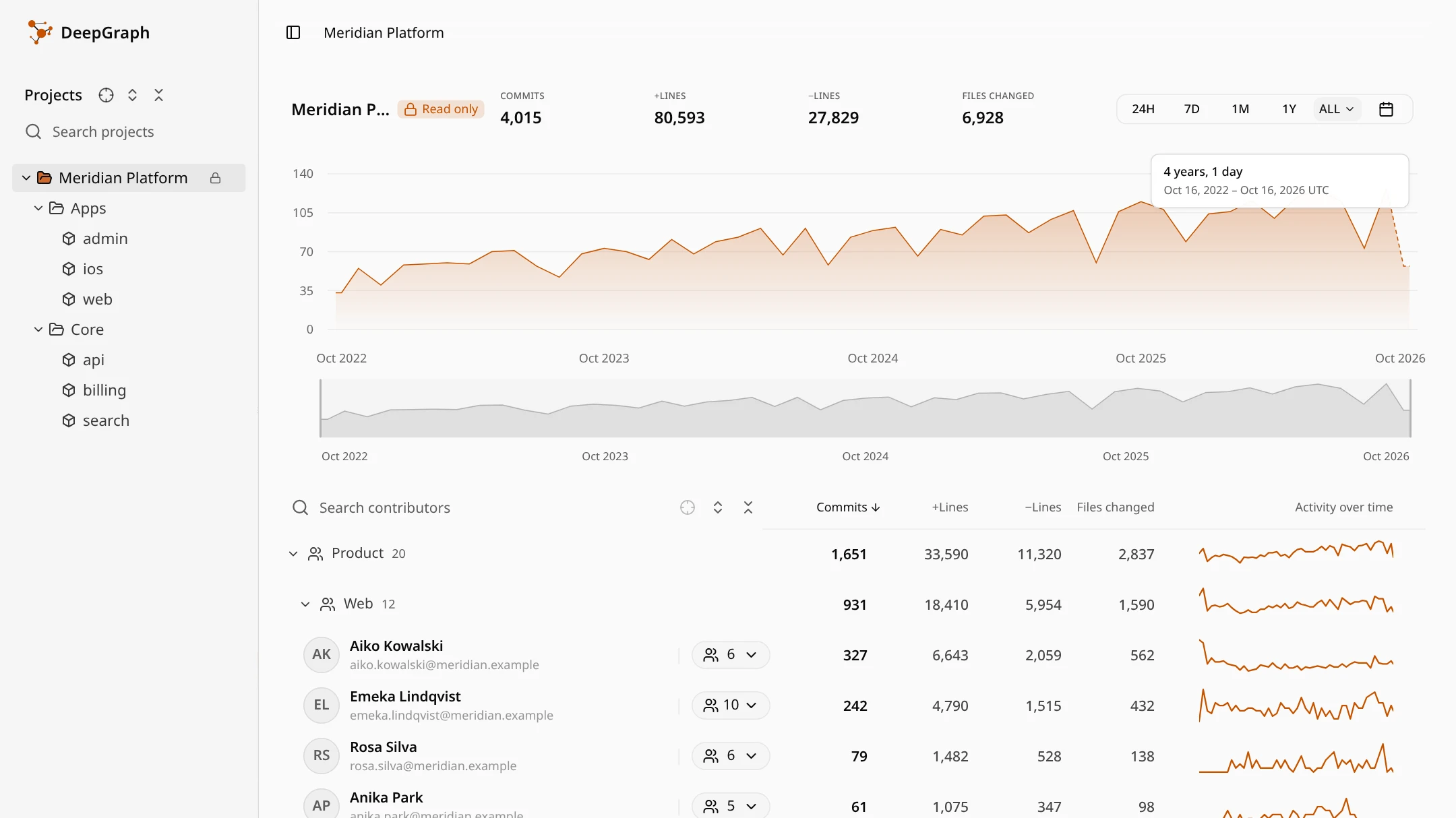
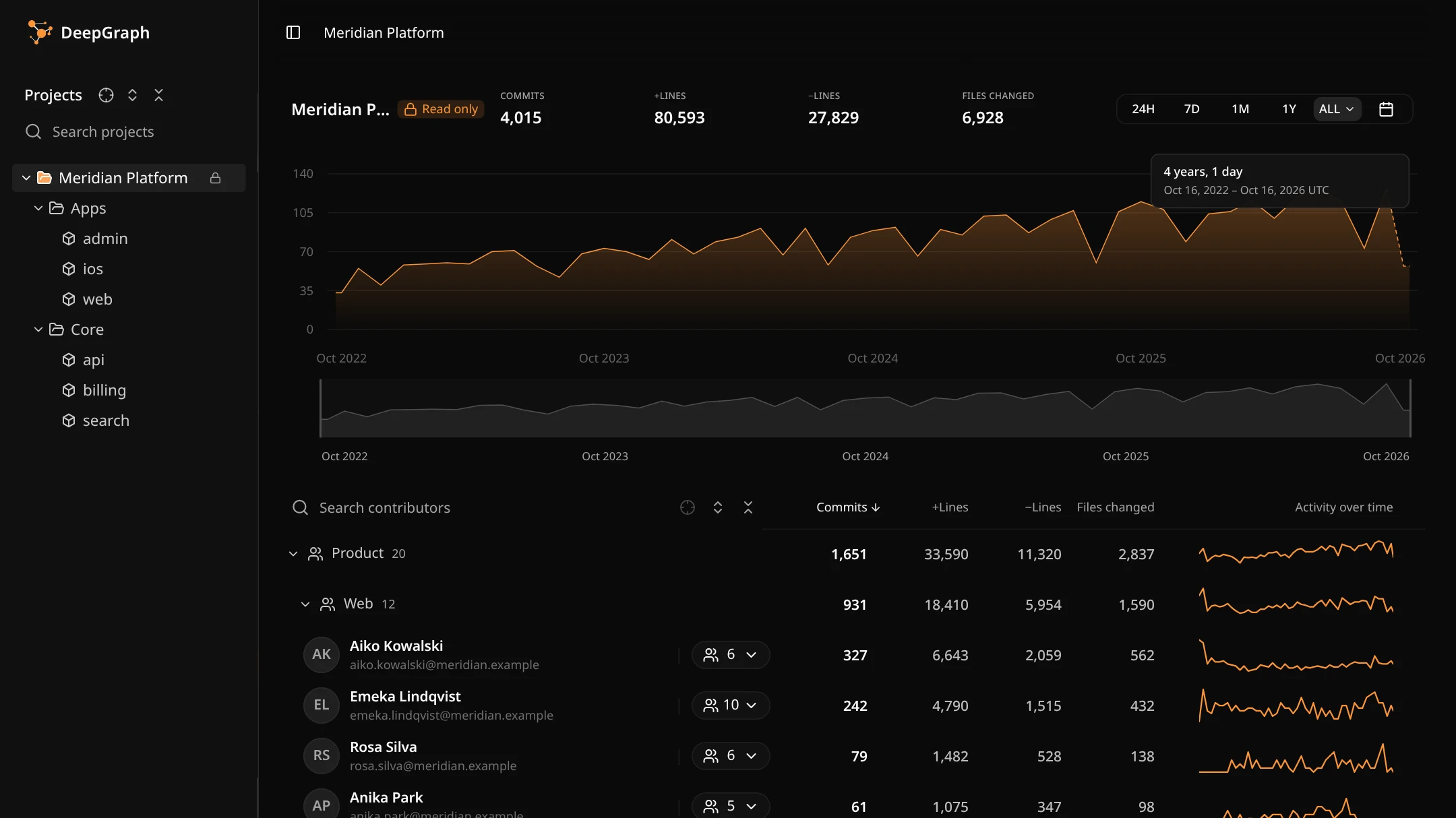
Every team row shows the team's commits, lines added and removed, files changed, and a small chart of its activity over time, with the number of people in it. Teams inside a team count toward it too. People who aren't in a team are listed after the teams.
Click a team to see its activity chart and day details for everyone in it. Expand or collapse all teams with the buttons beside the search, and search for a team or a person by name.
Compare teams
Put several teams on one chart to see how their work changes over time. Show their commits as they are, per person in each team, or as a share of all commits.
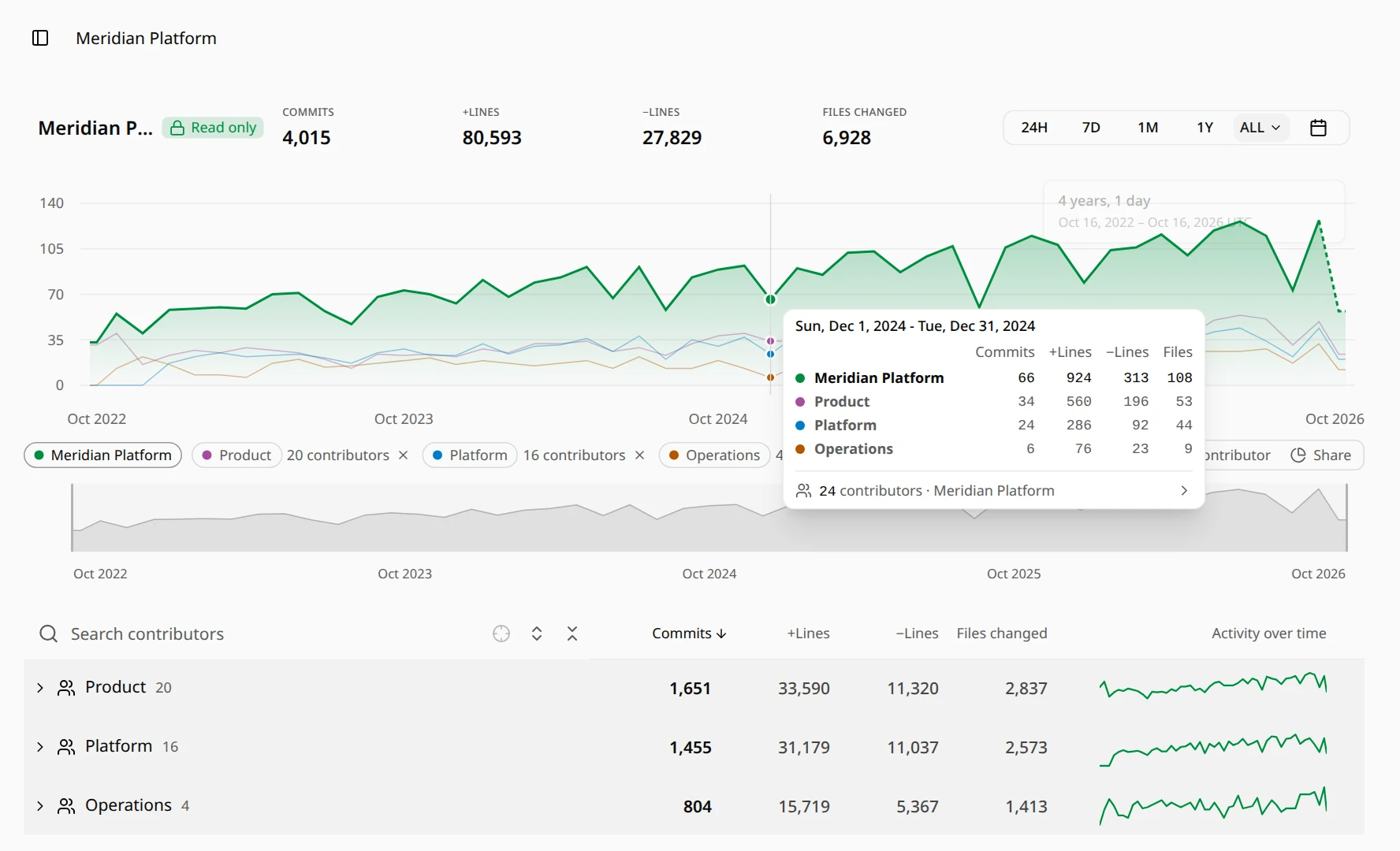
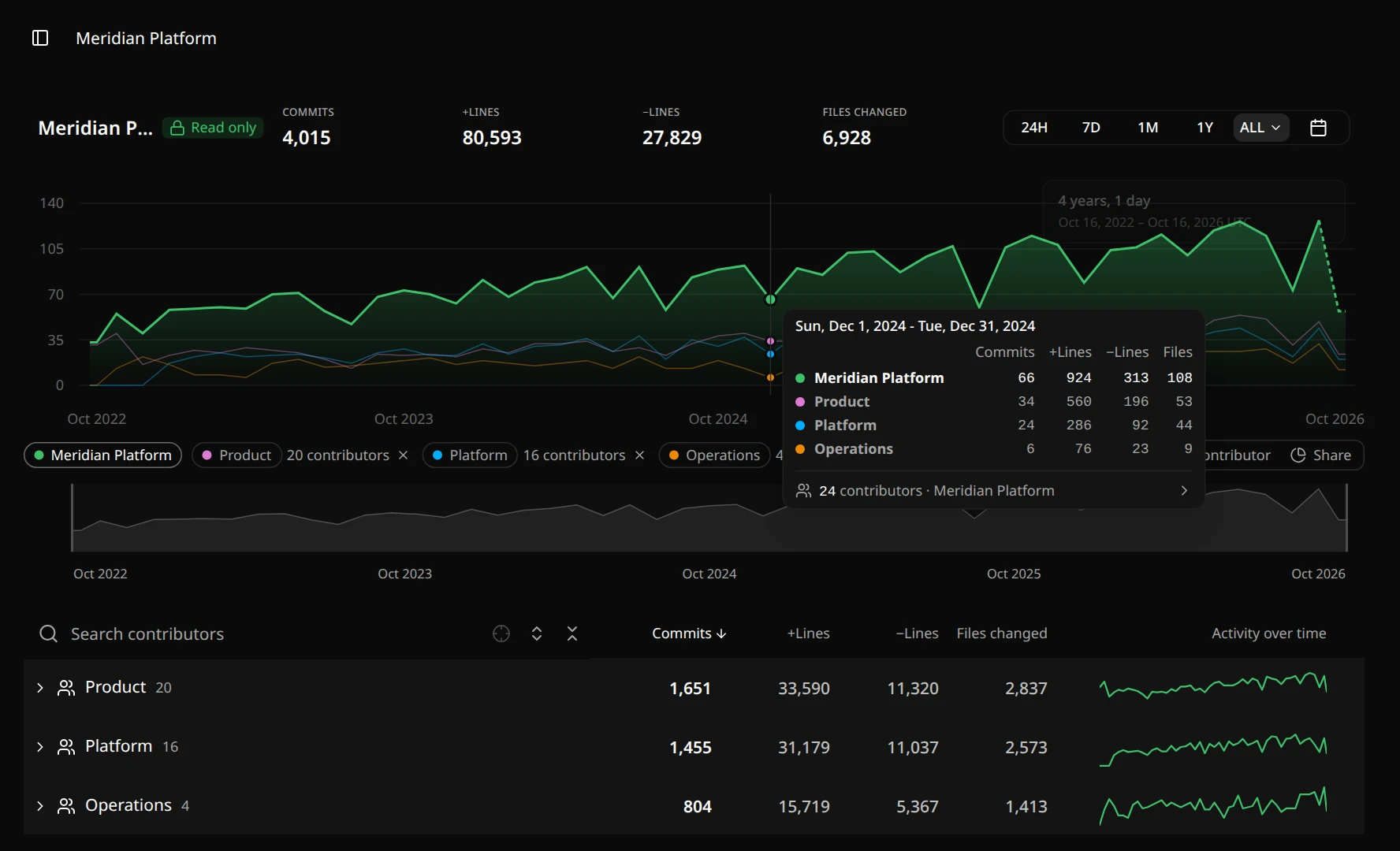
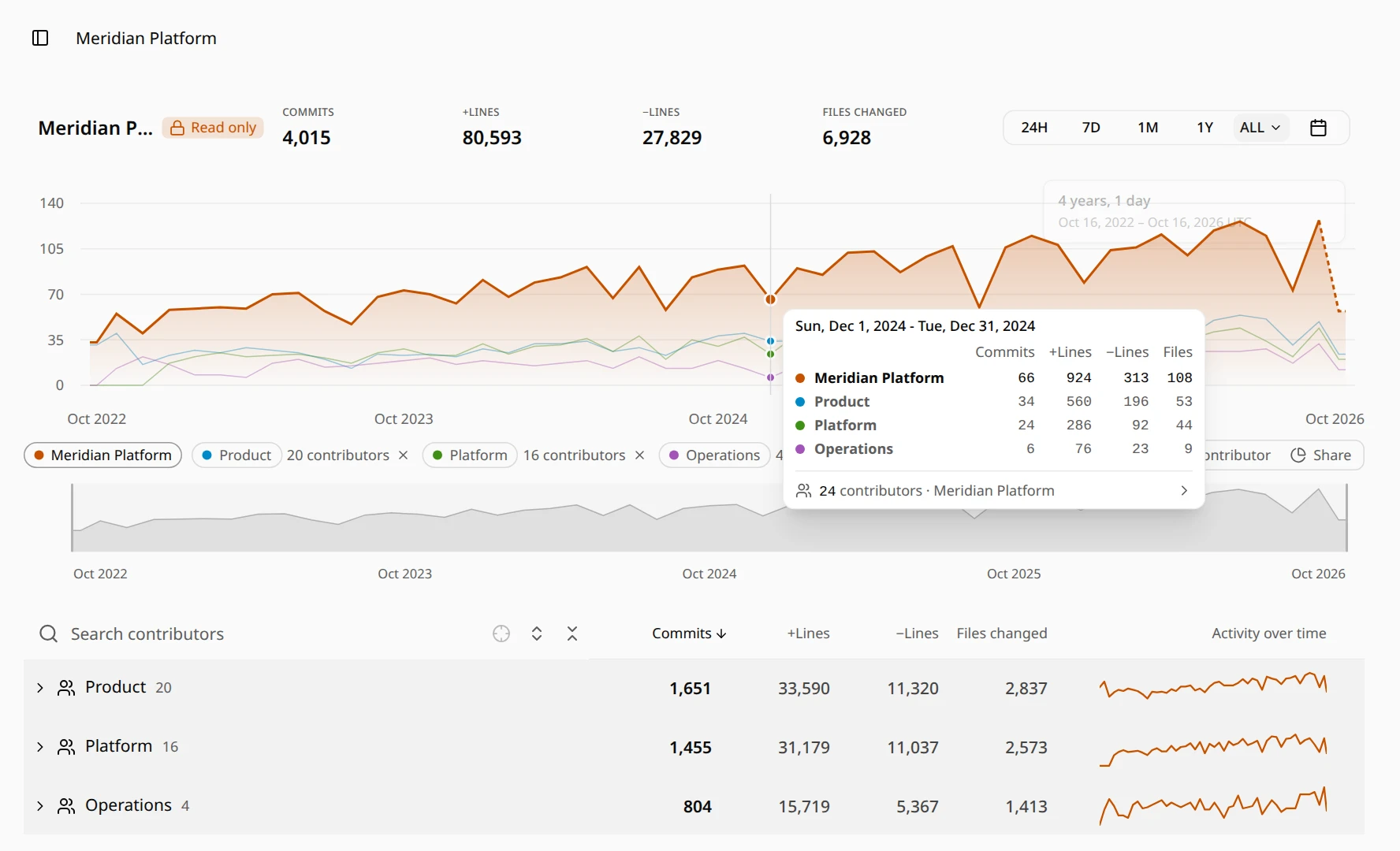
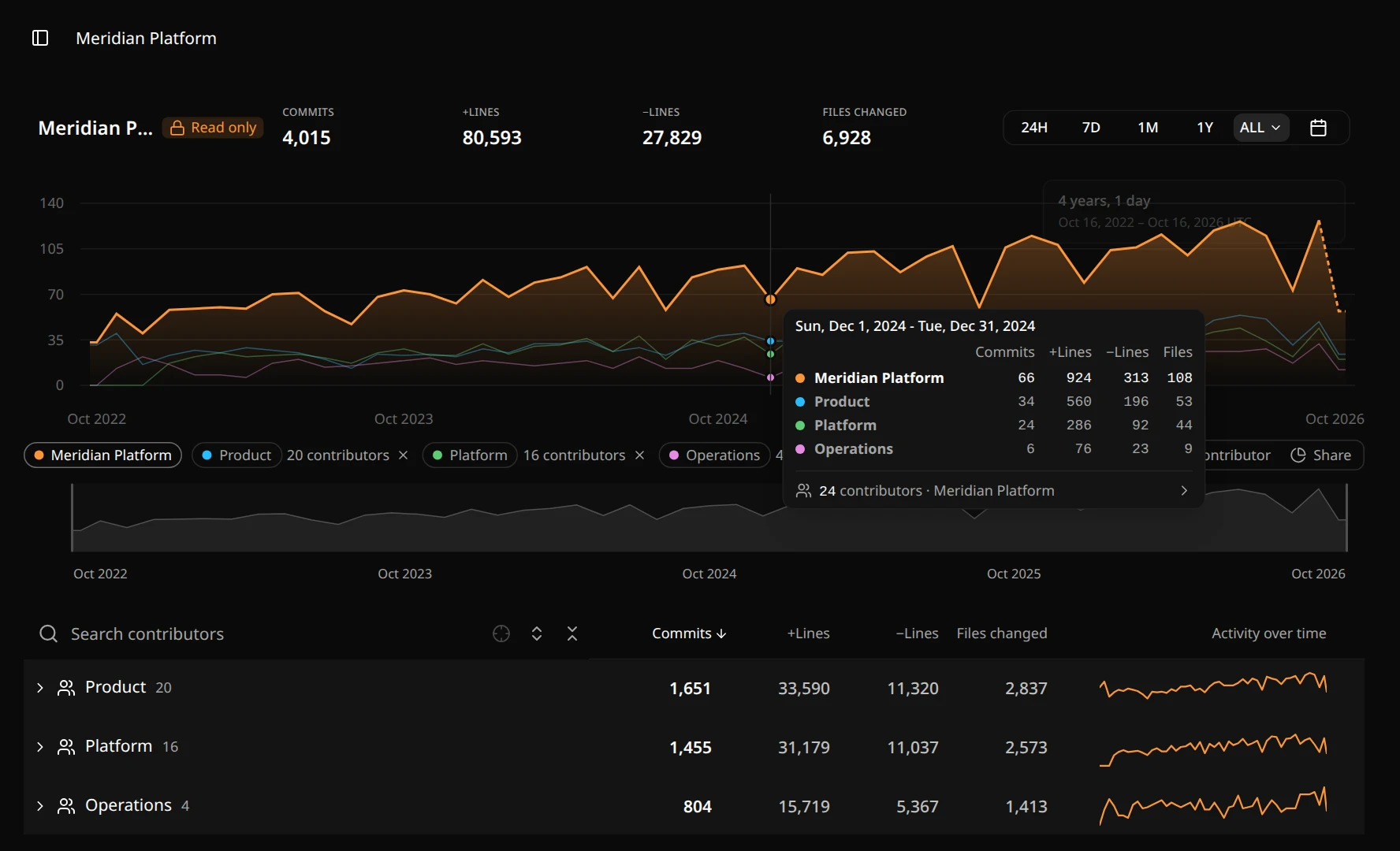
Read more about chart comparison.
Try it on a sample
The Meridian Platform sample on the main page has teams inside teams. You can open it without an account; samples can be read but not changed.
Plans
Your plan sets how many teams or contributors you can compare on one chart. See plans and pricing, or start with Getting started.